RFID Readers for Queue Automation
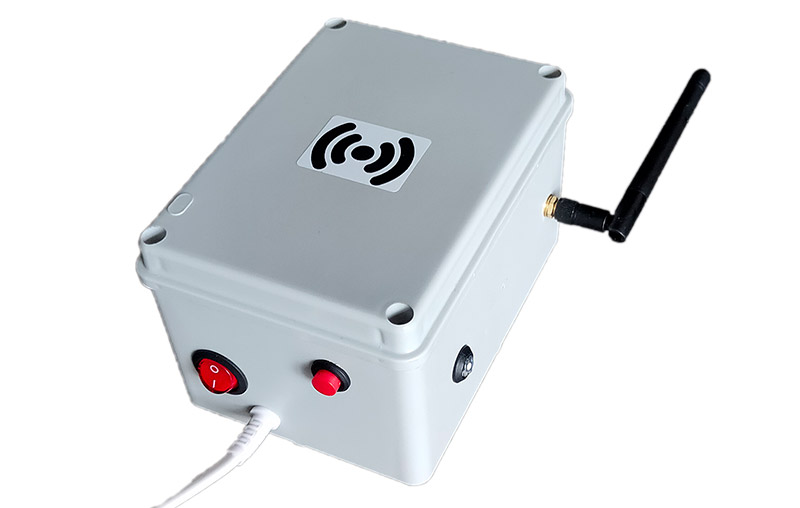
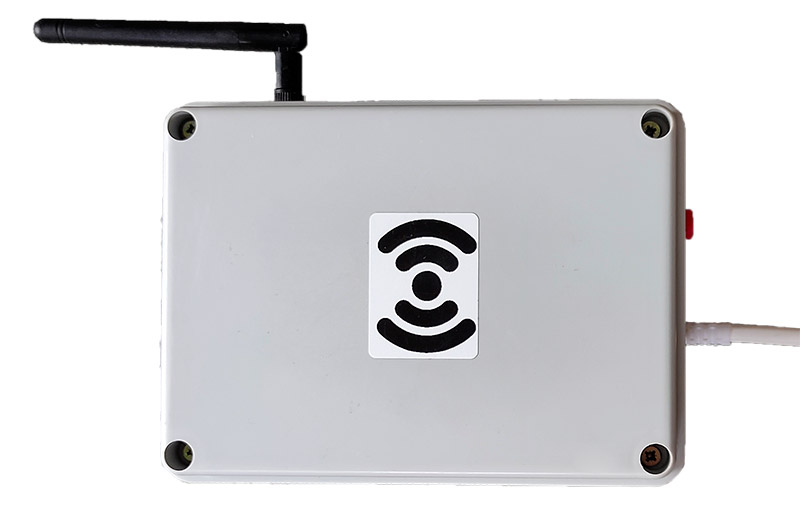
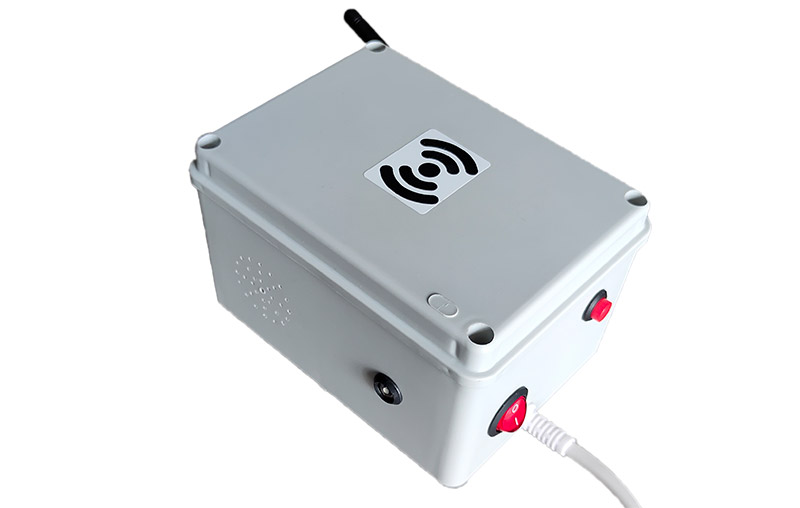
Automatic queue joining when bracelet is presented. Set start for first in queue.
When RFID bracelet is brought to reader, rider is automatically placed at end of queue. If rider is in 1st position, when bracelet is brought to reader, their set starts. Also, set can be started manually (by operator or rider themselves) by pressing corresponding button.
Automatic operator assignment to cable for working time tracking and payroll calculation.
When BLE tag of operator is detected (detection sensitivity is set in settings), operator is assigned to this cable. Current operator can be displayed on queue monitor. All started sets will be attributed to this operator, this can be used for automatic payroll calculation as well as for viewing daily statistics.
Informing clients and operators about queue status, set time and system events.
System provides multiple voice notifications: when joining queue, voice notification about successful queue joining and number of riders ahead is announced. Also announces "Bracelet number XX is preparing". If set is nearing completion, "Set time will end soon" is announced.
Prevention of unauthorized cable use after set completion.
Blocking can prevent clients from riding cable by staff "bypassing cashier". With relay module and settings, time after which forward movement blocking will occur can be configured. Thus even if carriage stops, rider can always be manually brought back to starting position.
Bright LEDs for visual set status control from distance.
Bright LEDs are installed on sides of readers. During set they blink in slow series, if set is nearing end, voice notification occurs and LEDs start blinking rapidly. From experience, even on bright sunny day, when turning around (10-15m from reader), indication is clearly visible.
Simple Wi-Fi and operation parameter configuration through web interface.
When holding manual set start button and turning on reader, it enters configuration mode. Access point 'wakepulse_config' appears, 192.168.4.1 is entered in browser and Wi-Fi settings page opens where corresponding network connection settings are made.
Basic technical requirements for proper RFID reader operation
The reader can be assembled in a large case to accommodate a 7-8" tablet, on which you can configure and display the queue monitor for the current winch (any browser is suitable). A 5V USB adapter is installed inside to connect the charging cable. Android tablets have programs for auto-starting the browser when the tablet is turned on.
Functions - queue and wristband tracking (voice notifications), light indication, winch movement blocking relay, operator work tracking.
Functions - opening and closing visits (wake sessions), tracking employee work shifts (opening and closing).
Hardware-wise, the readers are absolutely identical (excluding optional extras). The reader type is set programmatically from the WakePulse interface.
For small wakeparks with one or two winches, you can do without a reception reader (the CRM has corresponding settings for this).
For parks with high attendance, a reception reader will significantly reduce the load of opening/closing sessions and the administrator's unnecessary running to the wakepark winches. Plus, employees will be able to open their shift themselves.
Modules like the relay and status LEDs are not needed for the reception reader. However, if the winch reader is equipped with these modules, it is recommended to order the reception reader in the same configuration, so that in case of theft or failure of the winch reader, it can be quickly replaced with the reception reader to continue operations.